.webp)
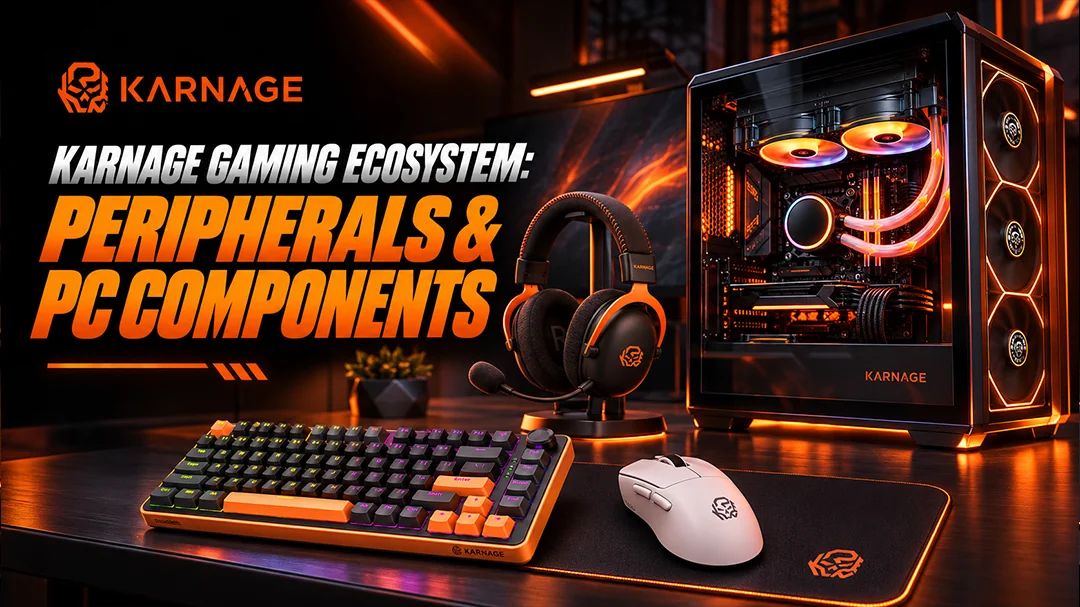
Gaming is no longer just about having a powerful computer. A complete gaming experience depends on precision, comfort, responsive controls, immersive audio, efficient cooling and a setup that matches your gaming style. From competitive esports to open-world adventures, the right combination of gaming peripherals and PC components can make every session more enjoyable. The Karnage Gaming Ecosystem brings together essential gaming gear and PC-building components, including gaming keyboards, gaming mouse, mousepads, headsets, gaming cabinets, PC case fans and liquid coolers. Whether you are building your first gaming setup or upgrading an existing one, understanding these products helps you make informed decisions.
In this guide, we explore the role of each product category, explain important technical specifications and share practical tips for creating a gaming setup that balances performance, comfort and aesthetics.
Table of Contents
- Introduction to the Karnage Gaming Ecosystem
- Gaming Keyboards: Precision, Speed and Control
- Gaming Mouse: Accuracy for Competitive Gaming
- Gaming Mousepads: Building a Consistent Playing Surface
- Gaming Headsets: Immersive Audio and Clear Communication
- Gaming Cabinets: The Foundation of a Powerful Gaming PC
- PC Case Fans: Improving Airflow and Cooling Efficiency
- Liquid Coolers: Advanced Cooling for Gaming Performance
- How to Build a Complete Gaming Setup with Karnage
- Choosing Gaming Gear Based on Your Gaming Style
- How to Choose Gaming Products Based on Your Budget
- Gaming Setup Maintenance and Long-Term Performance
- Why Explore the Karnage Gaming Ecosystem?
- Frequently Asked Questions
- Conclusion
Introduction to the Karnage Gaming Ecosystem
Understanding the Role of Gaming Peripherals in Modern Gaming
Gaming peripherals are the devices you interact with while playing. Your keyboard, mouse, headset and mousepad influence how comfortably and accurately you play. Meanwhile, components such as gaming cabinets, case fans and liquid coolers help support a well-organised, properly cooled PC build.
How the Right Gaming Setup Improves Precision, Comfort and Performance
A responsive keyboard helps with consistent inputs, a suitable mouse supports accurate tracking, and a comfortable headset improves communication. Inside your PC, effective airflow and compatible cooling components help maintain stable operating temperatures.
Exploring the Complete Range of Karnage Gaming Products
Explore the available product categories at Karnage to find gaming keyboards, gaming mouse, gaming mousepads, gaming headsets and PC components. Product availability, specifications and compatibility should always be checked on the relevant product page before purchasing.
Gaming Keyboards: Precision, Speed and Control
What Makes a Gaming Keyboard Different from a Regular Keyboard?
Gaming keyboards are designed with gaming-focused features that may include responsive switches, anti-ghosting, programmable functions and customisable lighting. These features can help players execute commands consistently during demanding gameplay.
Mechanical Gaming Keyboards and Their Advantages
Mechanical keyboards use individual mechanical switches beneath their keys. Depending on the switch type, they can offer distinct tactile feedback, audible clicks or smooth keystrokes. Your ideal choice depends on typing preference, noise tolerance and gaming requirements.
TKL, Compact and Full-Size Gaming Keyboard Layouts
Full-size keyboards include a dedicated number pad, while tenkeyless (TKL) models remove it to create more mouse space. Compact layouts reduce the footprint further, making them useful for smaller desks and minimalist gaming setups.
Wired vs Wireless Gaming Keyboards
Wired gaming keyboards offer a straightforward connection without requiring battery charging. Wireless gaming keyboards reduce cable clutter and improve desk flexibility. Compare connection type, battery life, latency and compatibility before choosing.
RGB Lighting, Key Customisation and Gaming Aesthetics
RGB lighting adds personality to a gaming desk, while programmable keys can simplify frequently used commands when supported. Lighting is primarily an aesthetic feature, so prioritise typing comfort and functionality first.
Choosing a Gaming Keyboard for FPS, MOBA and RPG Games
FPS players may prefer compact layouts that leave more room for mouse movement. MOBA players can benefit from comfortable access to ability keys, while RPG gamers may appreciate additional programmable commands.
Exploring Karnage Gaming Keyboards
Explore Karnage gaming keyboards to compare available layouts, connectivity options, designs and features. Choose a keyboard that suits your preferred games, desk space and everyday usage.
Gaming Mouse: Accuracy for Competitive Gaming
Why a Dedicated Gaming Mouse Matters
A gaming mouse is designed to provide consistent tracking and convenient access to controls. Its shape, weight, sensor performance and button placement can influence comfort and precision during extended sessions.
Understanding DPI and Mouse Sensitivity
DPI measures how far the cursor moves relative to physical mouse movement. Higher DPI does not automatically mean better accuracy. Many competitive players prefer lower sensitivity for controlled aiming, while others favour faster cursor movement.
Polling Rate, Sensor Accuracy and Tracking Performance
Polling rate measures how frequently a mouse reports its position to a connected device. Sensor quality, consistent tracking and suitable sensitivity settings are also important. Higher polling rates can increase system demands, so choose settings appropriate for your hardware and preferences.
Wired vs Wireless Gaming Mouse
Wired gaming mouse provide continuous power without charging. Wireless gaming mouse offer greater movement freedom and a cleaner desk. When comparing them, consider wireless latency, battery life, connection reliability and weight.
Lightweight Gaming Mouse for Faster Movements
Lightweight mouse can make rapid movements and repeated adjustments feel easier. However, the ideal weight depends on grip style, hand size and personal preference rather than weight alone.
Choosing the Right Gaming Mouse for Different Game Genres
FPS gamers often prioritise accurate tracking and comfortable grip. MOBA players may value additional buttons, while casual gamers may prefer a versatile mouse suitable for both gaming and everyday work.
Exploring Karnage Gaming Mouse Options
Browse Karnage gaming mouse to find options suited to your grip, sensitivity preferences and gaming style. Compare the published sensor specifications, DPI range, weight and connectivity of each available model.
Gaming Mousepads: Building a Consistent Playing Surface
Why Every Gaming Setup Needs a Dedicated Mousepad
A dedicated gaming mousepad provides a consistent surface for mouse tracking and helps protect your desk. It can also improve comfort during long gaming sessions.
Speed vs Control Mousepads
Speed-oriented surfaces support smoother gliding, while control-oriented surfaces provide more friction for deliberate movements. The right balance depends on your mouse sensor, sensitivity and aiming technique.
Cloth, Hard-Surface and Extended Gaming Mousepads
Cloth mousepads generally provide a softer surface and are easy to store. Hard-surface options offer a different gliding feel, while extended mousepads provide room for both the keyboard and mouse.
How Mousepad Size Affects Gaming Performance
Low-sensitivity players often benefit from larger mousepads because they require more physical movement. Higher-sensitivity users may be comfortable with smaller surfaces.
Mousepad Thickness, Grip and Surface Texture
Thickness influences desk feel and comfort, while a stable rubber base helps prevent unwanted movement. Choose a surface that supports consistent tracking and is easy to maintain.
Choosing a Mousepad for Low-DPI and High-DPI Gaming
If you use low DPI, consider a larger mousepad with sufficient room for sweeping movements. High-DPI players can prioritise a comfortable surface that fits their available desk space.
Exploring Karnage Gaming Mousepads
Explore Karnage gaming mousepads to complement your mouse and gaming desk. Consider surface texture, dimensions, thickness and grip before selecting a suitable option.
Gaming Headsets: Immersive Audio and Clear Communication
Why Audio Quality Matters in Competitive Gaming
Game audio helps players identify footsteps, environmental cues and in-game events. A good gaming headset can also make voice communication clearer during multiplayer matches.
Understanding Stereo and 7.1 Surround Sound
Stereo audio uses left and right channels to create directional sound. Virtual 7.1 surround sound attempts to simulate multiple audio directions through processing. Actual performance depends on the headset, software and game.
Wired vs Wireless Gaming Headsets
Wired gaming headsets offer reliable connectivity without charging, while wireless models provide more freedom of movement. Compare compatibility, microphone quality, battery life and latency.
Microphone Quality and Team Communication
A clear microphone helps teammates understand instructions without repeatedly asking for clarification. Noise reduction, microphone positioning and voice clarity are useful features to consider.
Comfort, Ear Cushions and Long Gaming Sessions
Look for comfortable ear cushions, appropriate clamping force and a headband that distributes weight evenly. Fit is especially important if you play for several hours at a time.
Noise Isolation, Sound Positioning and Gaming Immersion
Good isolation can reduce distractions, while accurate directional audio helps create a more immersive experience. Neither feature guarantees a competitive advantage, so consider overall sound quality and comfort.
Choosing a Gaming Headset for FPS, Battle Royale and Multiplayer Games
FPS players may prioritise positional audio, while battle royale players may value environmental awareness. Multiplayer gamers should also consider microphone clarity and comfort.
Exploring Karnage Gaming Headsets
Explore Karnage gaming headsets to compare available connectivity, audio features, microphone designs and comfort options.
Gaming Cabinets: The Foundation of a Powerful Gaming PC
What Is a Gaming Cabinet and Why Does It Matter?
A gaming cabinet houses the motherboard, graphics card, processor cooling system, storage and power supply. Its layout affects airflow, component compatibility, cable management and the overall appearance of your build.
ATX, Micro-ATX and Mini-ITX Cabinet Compatibility
Choose a gaming cabinet that supports your motherboard form factor. ATX cases generally provide more expansion space, while Micro-ATX and Mini-ITX builds can create more compact systems.
Airflow, Ventilation and Thermal Management
Well-designed intake and exhaust paths help remove heat generated by internal components. Consider ventilation openings, fan mounts and radiator support when choosing a case.
GPU Clearance, CPU Cooler Space and Component Compatibility
Check graphics card length, CPU cooler height, radiator dimensions and power supply clearance before buying. These measurements help prevent installation problems.
Tempered Glass Panels and RGB Gaming Cabinet Designs
Tempered glass and RGB lighting can give a gaming PC a distinctive appearance. However, ventilation, build quality and component clearance should remain priorities.
Cable Management and Clean Gaming PC Builds
Cable-routing channels, tie-down points and suitable space behind the motherboard tray help create a cleaner build and keep cables away from fans.
Choosing the Right Gaming Cabinet for Your Build
Match the case to your motherboard, graphics card, cooling requirements, budget and available desk space.
Exploring Karnage Gaming Cabinets
Explore Karnage gaming cabinets and compare their dimensions, supported motherboard sizes, fan mounts, radiator compatibility and design features.
PC Case Fans: Improving Airflow and Cooling Efficiency
The Importance of Airflow in a Gaming PC
Gaming generates heat, particularly when the CPU and GPU are under sustained load. Proper pc case fans with good airflow helps prevent excessive temperatures and supports consistent system operation.
Intake vs Exhaust Fans
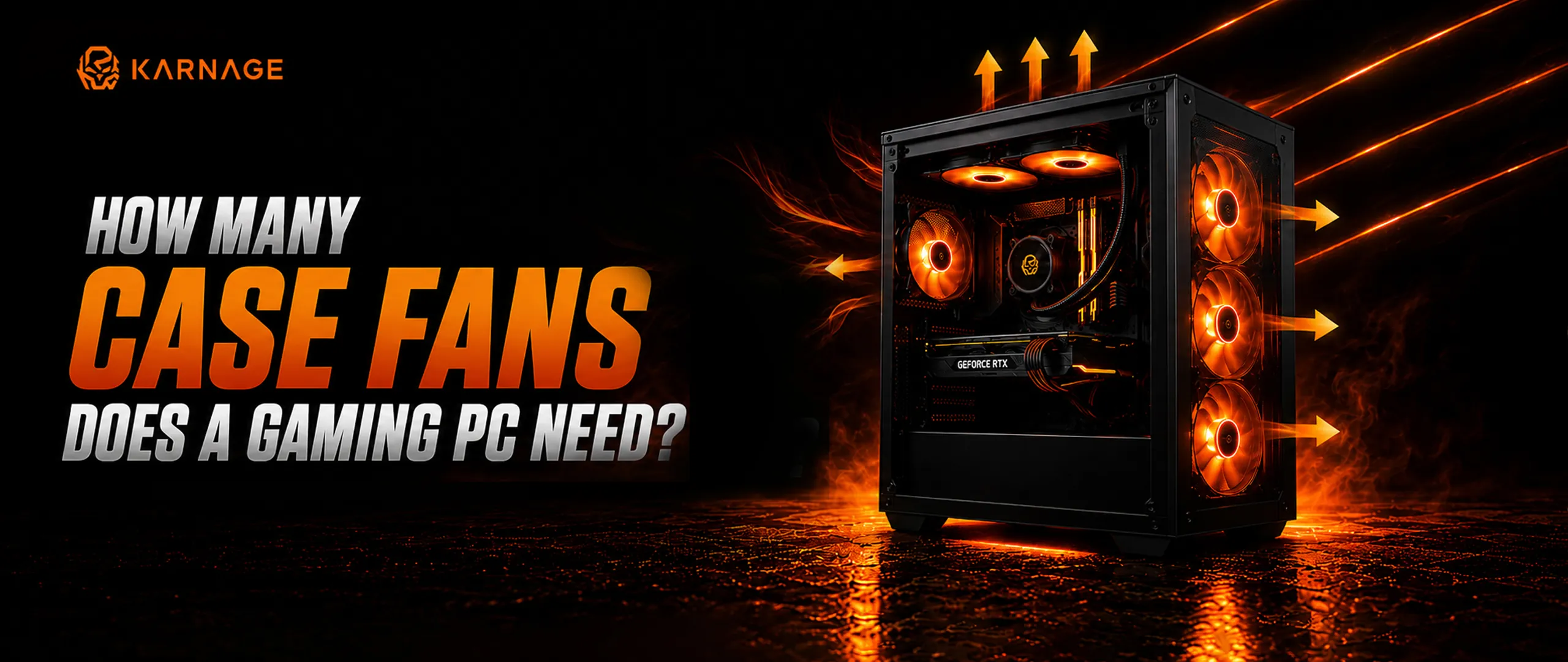
Intake fans bring cooler air into the cabinet, while exhaust fans remove warm air. Their placement should support a clear airflow path through the system.
Understanding Case Fan Sizes and Compatibility
Common fan sizes include 120 mm and 140 mm. Check your cabinet's supported mounting positions and the fan's physical dimensions before purchasing.
Static Pressure vs Airflow-Optimised Fans
Static-pressure fans are useful for pushing air through restrictive spaces, such as radiators. Airflow-oriented fans are commonly used where unobstructed air movement is the priority.
RGB and ARGB Case Fans for Custom Gaming Builds
RGB and ARGB fans add lighting to a PC. ARGB typically supports individually addressable lighting effects, while compatibility depends on the fan connectors and controller or motherboard headers.
Positive, Negative and Balanced Air Pressure
Positive pressure means more air enters than leaves, while negative pressure means more air leaves than enters. A balanced configuration aims to provide effective cooling without unnecessary airflow restrictions. Filtered intakes can help manage dust.
How Many Case Fans Does a Gaming PC Need?
The required number depends on the cabinet, component temperatures, fan placement and workload. Start with an effective intake and exhaust arrangement, then adjust based on temperature measurements.
Exploring Karnage PC Case Fans
Explore Karnage PC case fans to compare available sizes, lighting features, connector types and cooling characteristics.
Liquid Coolers: Advanced Cooling for Gaming Performance
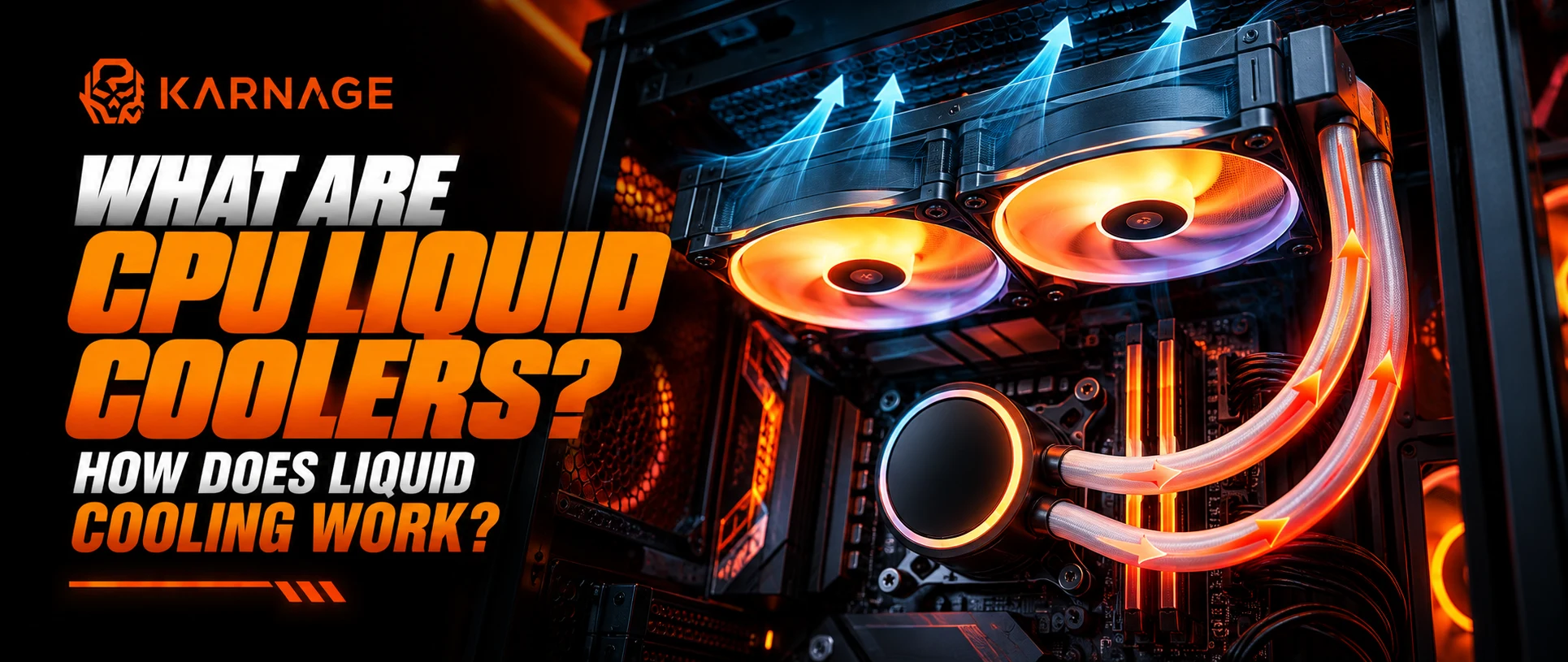
What Is Liquid Cooling in a Gaming PC?
Liquid cooling transfers heat from a processor to a radiator, where fans help release it into the surrounding air. It can be useful for compatible systems with demanding cooling requirements.
AIO Liquid Coolers vs Air Coolers
AIO liquid coolers combine a pump, radiator and tubing into a preassembled unit. Air coolers use a heatsink and fan. Both can provide effective cooling when appropriately selected.
Understanding Radiator Sizes and Compatibility
Common radiator sizes include 120 mm, 240 mm and 360 mm classes. Verify the case's radiator support, available clearance and mounting position before purchasing.
How Liquid Cooling Helps Manage CPU Temperatures
A suitable liquid cooler can help control processor temperatures under sustained workloads. Results depend on the CPU, cooler design, ambient temperature and case airflow.
RGB Liquid Coolers and Custom PC Aesthetics
Lighting and illuminated pump covers can complement a gaming build. Prioritise cooling capacity, compatibility, reliability and warranty alongside appearance.
Choosing the Right Liquid Cooler for Your Processor
Check the processor socket, thermal requirements, radiator clearance and supported mounting hardware. Select a cooler appropriate for your actual workload.
Liquid Cooling Maintenance and Common Considerations
AIO coolers generally require less routine maintenance than custom liquid-cooling loops, but they are not maintenance-free. Follow manufacturer instructions, keep radiator fins clean and monitor temperatures.
Exploring Karnage Liquid Coolers
Browse Karnage liquid coolers to compare available cooling solutions, radiator sizes, compatibility and design features.
How to Build a Complete Gaming Setup with Karnage
Choosing the Right Gaming Keyboard and Mouse Combination
Choose a keyboard layout that suits your games and desk space, then pair it with a mouse that feels comfortable and tracks consistently.
Matching Your Mousepad with Your Gaming Mouse
Consider your preferred sensitivity, movement range and surface friction. A larger mousepad may be particularly useful for low-DPI gaming.
Selecting a Headset for Immersive Audio and Communication
Prioritise clear sound, microphone quality and comfort. Check whether the headset works with your PC or gaming console.
Building a Gaming PC with the Right Cabinet and Case Fans
Start with component compatibility, then plan intake and exhaust fan positions. Leave enough room for the graphics card, power supply and future upgrades.
Selecting a Liquid Cooler for Your PC Configuration
Choose liquid cooling only after evaluating your processor's requirements, cabinet clearance and budget. A quality air cooler may be sufficient for many gaming systems.
Balancing Performance, Comfort, Cooling and Aesthetics
A successful gaming setup combines reliable components with comfortable peripherals. Spend according to your priorities rather than choosing every component for its appearance.
Choosing Gaming Gear Based on Your Gaming Style
Gaming Gear for FPS and Competitive Esports Players
Prioritise precise mouse tracking, suitable sensitivity, responsive controls and comfortable audio. A spacious mousepad can also help with controlled aiming.
Gaming Gear for MOBA and Strategy Gamers
Consider comfortable keyboard layouts, convenient access to commands and a mouse that supports your preferred control style.
Gaming Gear for RPG, Racing and Open-World Games
Immersive audio, comfortable peripherals and a visually appealing setup can enhance longer sessions. Racing games may also benefit from compatible specialised controllers.
Gaming Accessories for Casual and Everyday Gaming
Choose versatile, comfortable products that work well for gaming, browsing, studying and everyday computer use.
Gaming Gear for Streamers and Content Creators
Streamers should consider headset microphone quality, desk organisation, PC cooling and dependable system performance. Additional streaming equipment can be added as requirements grow.
How to Choose Gaming Products Based on Your Budget
Building an Entry-Level Gaming Setup
Start with a dependable keyboard, mouse, mousepad and headset. Allocate the remaining budget according to your PC requirements and upgrade the most limiting components first.
Upgrading to a Mid-Range Gaming Setup
Improve the peripherals you use most often, consider better airflow and choose a cabinet that supports your current components and future upgrades.
Creating a Premium Gaming Setup
Premium setups may include advanced peripherals, wireless connectivity, liquid cooling and coordinated lighting. Confirm that each upgrade offers a meaningful benefit for your needs.
Prioritising Performance Upgrades Over Aesthetics
Aesthetic features can make your desk more enjoyable, but comfortable controls, appropriate cooling and component compatibility should come first.
Planning Future Upgrades for Your Gaming PC
Choose a cabinet with adequate clearance and expansion options. Plan for potential graphics card, storage and cooling upgrades without overspending on unused capacity.
Gaming Setup Maintenance and Long-Term Performance
Cleaning Gaming Keyboards and Mouse
Disconnect devices before cleaning, remove loose debris carefully and use manufacturer-approved cleaning methods. Avoid pouring liquids directly onto electronics.
Maintaining Mousepads and Gaming Headsets
Clean mousepads according to their material and care instructions. Wipe headset surfaces gently and avoid damaging cushions, cables or microphone components.
Removing Dust from Gaming Cabinets and Case Fans
Power down the PC before cleaning. Use appropriate compressed air or manufacturer-recommended methods, and prevent fans from spinning uncontrollably during cleaning.
Monitoring PC Temperatures and Cooling Performance
Monitor CPU and GPU temperatures with suitable software. Investigate unusual temperature increases, excessive noise or unexpected performance drops.
Maintaining a Clean, Organised and Efficient Gaming Setup
Keep cables organised, ventilation openings unobstructed and peripherals clean. Regular maintenance helps keep your setup comfortable and functional.
Why Explore the Karnage Gaming Ecosystem?
Gaming Peripherals for Precision and Control
Explore keyboards, mouse and mousepads designed to support different playing styles and preferences.
Accessories That Complement Your Gaming Experience
Gaming headsets contribute to immersive audio and clearer team communication, making them an important part of a complete setup.
PC Components for Cooling and Gaming Build Aesthetics
Gaming cabinets, case fans and liquid coolers help you plan a system around airflow, component compatibility and appearance.
Finding Compatible Products for Your Gaming Setup
Compare product specifications carefully and verify dimensions, connectivity and hardware support before placing an order.
Exploring the Complete Karnage Product Range
Visit Karnage.in to explore available gaming peripherals and PC components and identify products that suit your requirements.
Frequently Asked Questions
1. What Products Are Included in the Karnage Gaming Ecosystem?
The categories covered in this guide include gaming keyboards, gaming mouse, mousepads, headsets, gaming cabinets, PC case fans and liquid coolers. Check Karnage.in for current availability and individual product specifications.
2. Which Gaming Keyboard Is Best for Competitive Gaming?
The best keyboard depends on your preferred games, switch feel, layout and budget. FPS players may prefer TKL or compact layouts, while users who need a number pad may prefer full-size keyboards.
3. How Do I Choose the Right Gaming Mouse DPI?
Start with a comfortable sensitivity and adjust gradually. Lower DPI can provide more controlled physical movement, while higher DPI allows faster cursor movement. The ideal setting is personal.
4. What Is the Difference Between a Gaming Mousepad and a Regular Mousepad?
Gaming mousepads are often designed around consistent tracking, surface friction and movement space. A regular mousepad may be smaller or designed primarily for everyday office use.
5. Are Gaming Headsets with 7.1 Surround Sound Worth It?
Virtual 7.1 can improve the perception of directional audio in some situations, but results vary. Stereo headsets can also provide excellent positional cues, so evaluate overall sound quality and comfort.
6. How Do I Choose the Right Gaming Cabinet for My PC?
Check motherboard support, graphics card clearance, CPU cooler height, radiator compatibility, fan mounts and airflow. Choose a case that accommodates your current components and planned upgrades.
7. How Many Case Fans Are Required for a Gaming PC?
There is no universal number. The ideal configuration depends on the cabinet, components and workload. Begin with a sensible intake and exhaust arrangement and monitor temperatures.
8. Is a Liquid Cooler Better Than an Air Cooler for Gaming?
Not always. Both can cool a processor effectively. The better option depends on the CPU, cooling requirements, budget, case compatibility, maintenance preferences and noise levels.
9. Can I Combine RGB and ARGB Fans in One Gaming Build?
Sometimes, but connector and controller compatibility must be checked. Standard RGB and ARGB systems use different connection methods and should not be connected interchangeably without supported hardware.
10. How Do I Build a Complete Gaming Setup on a Budget?
Prioritise essential peripherals and a balanced PC configuration. Choose products based on comfort, compatibility and performance, then add lighting or premium cooling when your budget allows.
11. Where Can I Explore Gaming Keyboards, mouse and Other Gaming Accessories from Karnage?
Visit Karnage.in to explore the available gaming keyboards, mouse, mousepads, headsets and PC components. Review each product page for specifications, pricing and availability.
Conclusion
Bringing Together Precision Peripherals and PC Components
A complete gaming setup involves more than a powerful processor or graphics card. Keyboards, mouse, mousepads and headsets shape everyday gameplay, while cabinets, fans and coolers help create a compatible and well-cooled PC.
Choosing the Right Products for Your Gaming Needs
Identify your preferred games, available budget, desk space and performance requirements. Compare specifications and prioritise features that improve comfort, usability and system reliability.
Explore the Karnage Gaming Ecosystem
Whether you are starting your first gaming setup or upgrading an existing PC, explore the available products at Karnage.in to find gaming gear and components that match your needs.
Build thoughtfully, maintain your equipment and create a gaming environment that works for you.