Build a powerful, reliable, and visually stunning PC with premium liquid coolers for PC from KARNAGE. Whether you are assembling a gaming PC, upgrading your existing setup, or building a high-performance workstation, the right cooling solution helps manage processor temperatures during demanding workloads. Explore cooling solutions designed for gamers, PC enthusiasts, and creators who want efficient thermal management without compromising on aesthetics.
A high-quality CPU liquid cooler transfers heat away from the processor using a liquid-based cooling system, helping maintain stable performance during gaming, multitasking, video editing, and other processor-intensive activities. If you are searching for a dependable processor cooler liquid solution, choosing a cooler that matches your processor, cabinet, and performance requirements is essential.
Discover the right cooling solution for your build and find the best CPU liquid cooler for your gaming and computing needs. From clean, minimal designs to visually striking RGB configurations, KARNAGE liquid cooling solutions help you create a PC that looks as impressive as it performs.
Explore Liquid Coolers for PC Performance
Modern processors generate heat when handling demanding applications. Effective cooling helps control operating temperatures and supports consistent performance during extended gaming sessions and intensive workloads. This makes liquid coolers for PC a popular choice for enthusiasts who want efficient cooling alongside a premium PC build. Unlike traditional air coolers, liquid cooling systems circulate coolant through a closed loop to transfer heat from the processor to a radiator. Fans attached to the radiator dissipate the heat, helping maintain suitable operating temperatures under load.
A well-selected CPU liquid cooler can be particularly useful for high-performance processors, gaming systems, and workstations that regularly handle demanding tasks. However, cooling performance depends on the radiator size, fan design, processor power consumption, cabinet airflow, and system configuration. When selecting a processor cooler liquid solution, consider your processor's thermal requirements, available cabinet space, and preferred appearance. These factors help you choose a cooling system that fits your build and delivers the performance you need.
Why Choose a CPU Liquid Cooler?
A liquid cooling system combines a pump, cold plate, coolant, tubing, radiator, and fans to move heat away from your processor. Each component contributes to the overall cooling process.
Efficient Heat Dissipation
A CPU liquid cooler transfers heat from the processor to the radiator, where fans help release it into the surrounding air. This approach can provide effective thermal management for processors that generate substantial heat during demanding workloads.
For gamers who spend hours playing graphics-intensive titles, suitable cooling can help prevent excessive temperatures from becoming a performance concern. Choosing the right system is important when comparing different liquid coolers for PC.
Better Support for Demanding Workloads
Gaming, streaming, rendering, and content creation can place sustained loads on a processor. An appropriately selected processor cooler liquid solution can help keep temperatures under control during these activities. If you are upgrading to a more powerful processor, check its thermal requirements before selecting a cooler. The best CPU liquid cooler for your system should match the processor's power demands rather than being selected solely on appearance or radiator size.
A Clean and Modern PC Aesthetic
Liquid cooling systems can give a gaming cabinet a clean, organised appearance. Their radiator-mounted fans and compact CPU-block designs can complement builds featuring tempered-glass panels, RGB lighting, and carefully managed cables. For enthusiasts who want their components to contribute to the overall visual experience, modern liquid coolers for PC offer a combination of functionality and style. Depending on the model, features such as ARGB lighting and integrated displays can add a distinctive touch to your setup.
Cooling for Gaming and Productivity
A well-configured CPU liquid cooler can support gaming, multitasking, video editing, software development, and other processor-intensive applications. Effective cooling helps the processor operate within its intended thermal limits, although actual performance also depends on the processor, power settings, and overall system configuration.
When comparing the quietest liquid CPU cooler options, remember that noise depends on fan speed, pump characteristics, radiator design, and how heavily the processor is loaded.
How to Choose the Best CPU Liquid Cooler
Finding the best CPU liquid cooler involves more than comparing specifications. You should consider compatibility, cooling requirements, cabinet dimensions, noise levels, and the features that matter most to your build.
1. Check Processor Compatibility
Before purchasing a CPU liquid cooler, confirm that it supports your processor's socket. Different processors may require different mounting hardware, so compatibility should always be checked against the product specifications.
Whether you are building a new gaming PC or upgrading an existing system, the right mounting support ensures that your cooler can be installed correctly.
2. Select the Appropriate Radiator Size
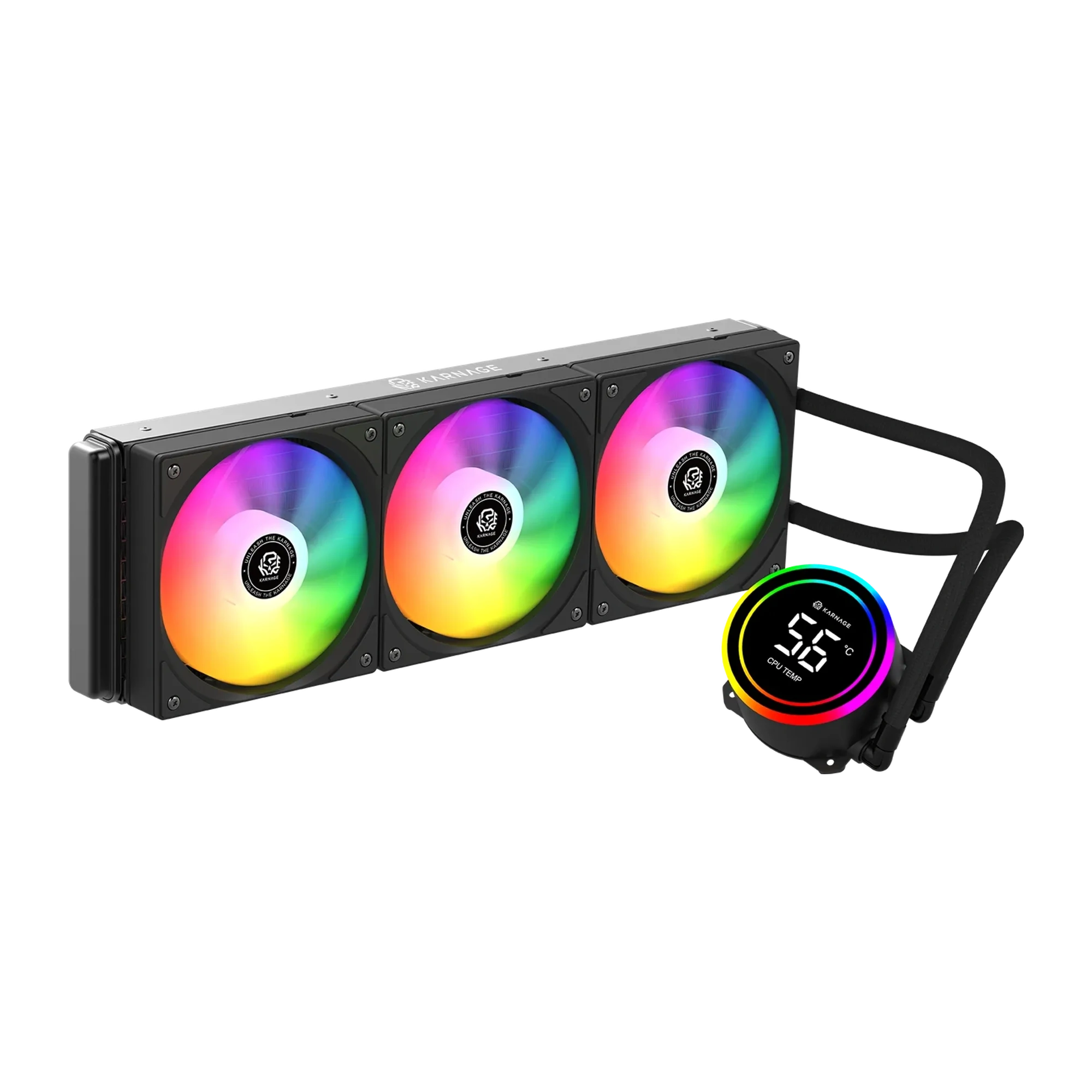
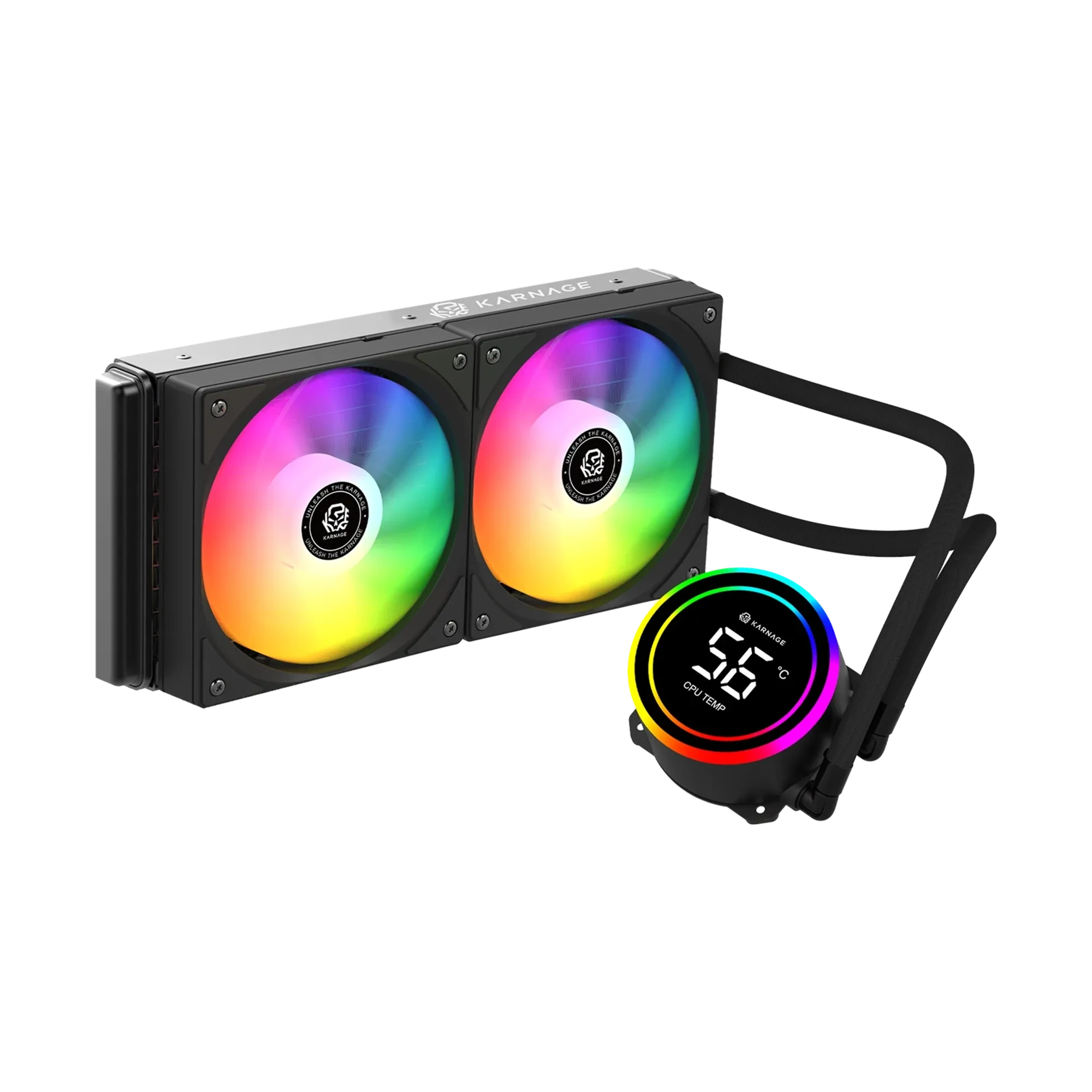
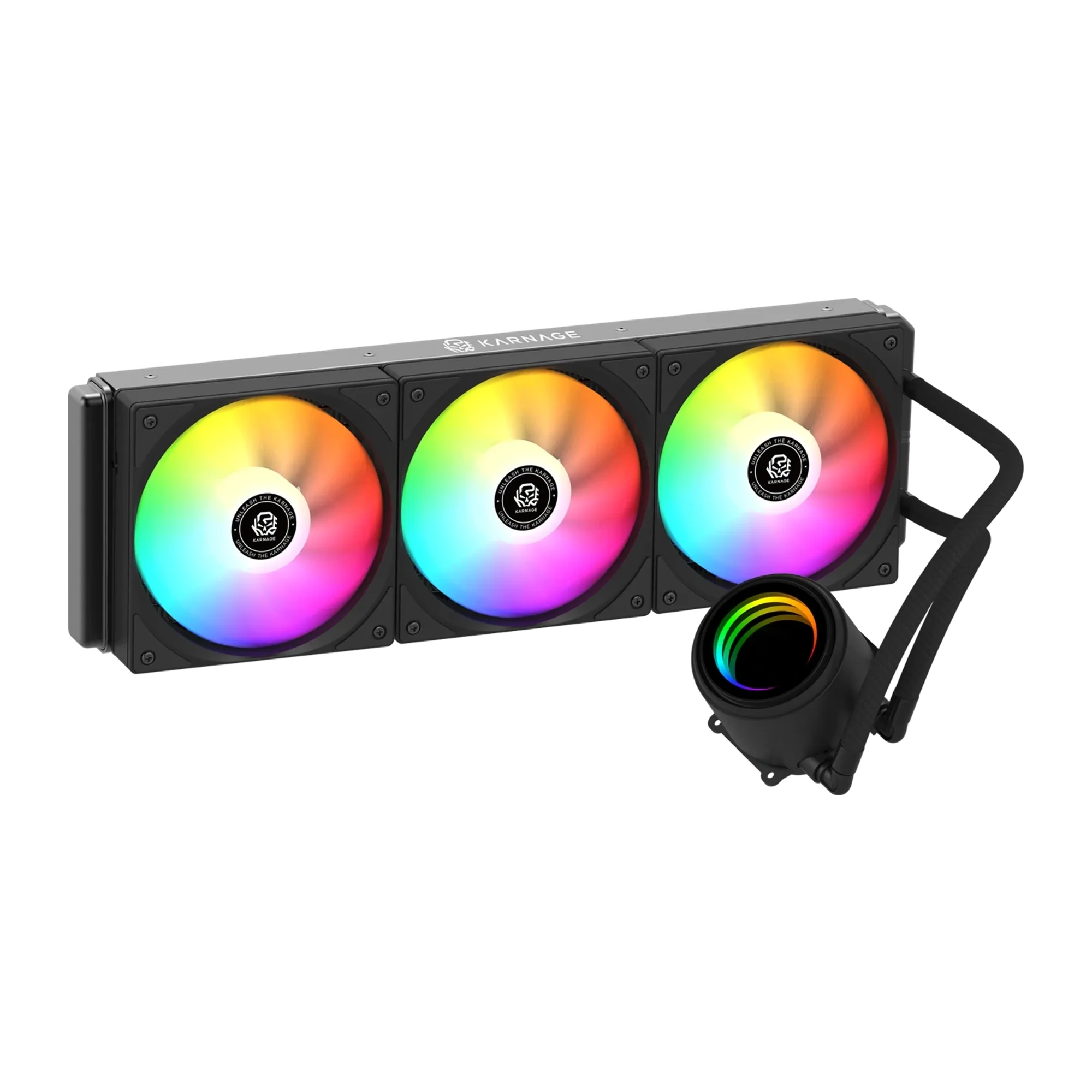
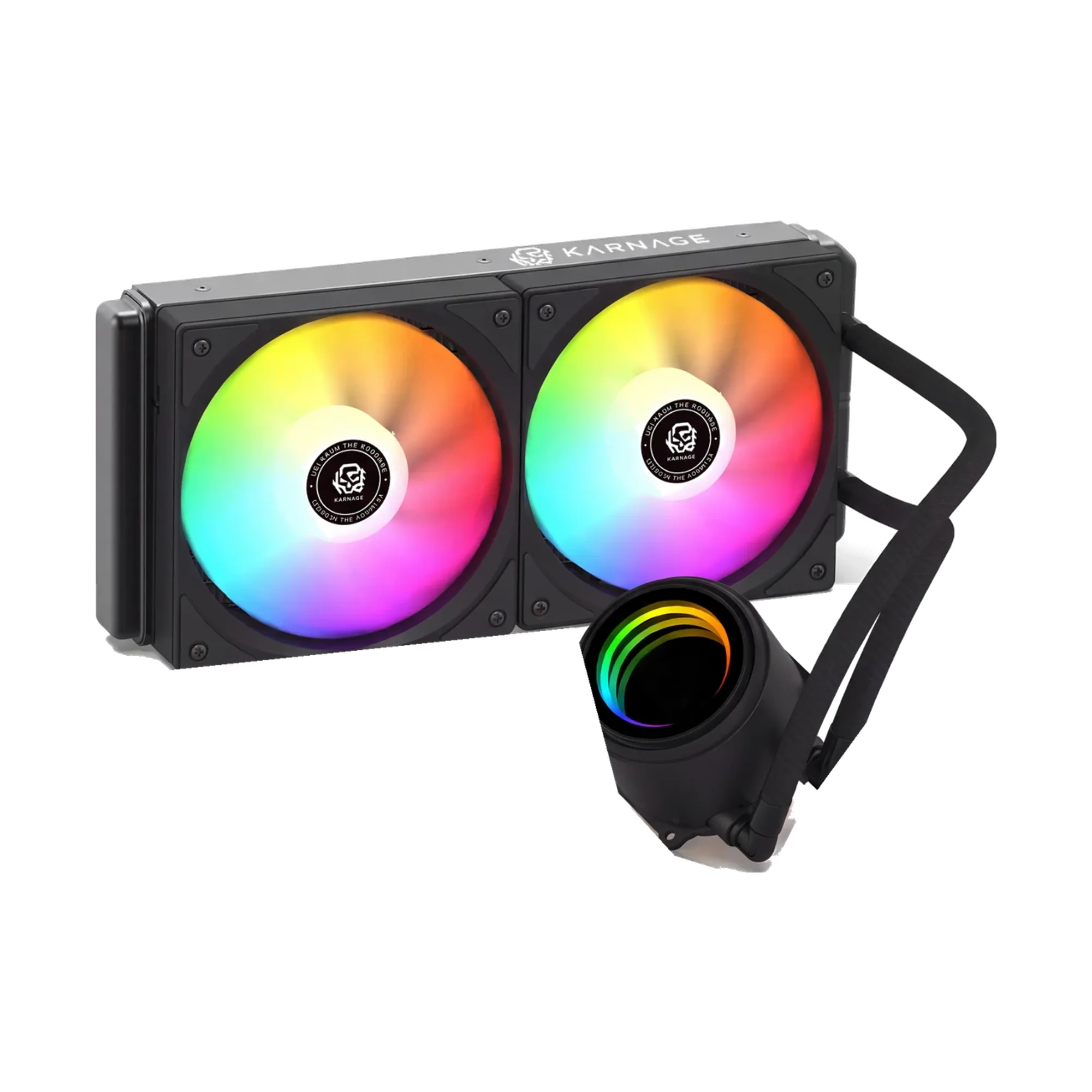
Liquid coolers commonly come with radiators in different sizes, including 240 mm and 360 mm configurations. A larger radiator may offer greater heat dissipation capacity, but actual performance depends on the complete cooling design.
A 240 mm processor cooler liquid system may suit many mainstream and gaming builds, while a 360 mm option may be worth considering for higher-power processors and demanding workloads.
Always check the radiator's actual dimensions and your cabinet's supported mounting positions before buying. This helps you find liquid coolers for PC that fit without interfering with other components.
3. Consider Noise Levels
Noise is an important consideration if you use your PC in a bedroom, office, recording environment, or gaming space where quiet operation matters.
If you are looking for the quietest liquid CPU cooler, compare fan noise specifications, pump noise, fan-control options, and independent product reviews where available. A cooler with adjustable fan curves may allow you to balance temperature control and acoustics according to your preferences.
Remember that no liquid cooler is completely silent under every condition. The fans, pump, cabinet airflow, and processor workload all contribute to the final noise level.
4. Choose the Features You Need
Some users prioritise cooling performance, while others prefer RGB lighting, a display, or a minimalist design. The right CPU liquid cooler should complement your overall build without requiring you to pay for features you will not use.
Consider whether you want a black or white cooler, synchronised lighting, or a display-equipped design. These features can help you personalise your PC while keeping your cooling requirements in focus.
5. Evaluate Reliability and Warranty
A cooling system is an important component of your PC, so warranty coverage and manufacturer support deserve attention. Check the specific product's warranty terms, installation requirements, and maintenance guidance before making your decision.
When choosing among liquid coolers for PC, consider the complete ownership experience alongside cooling performance, aesthetics, and price.
Discover KARNAGE Liquid Cooling Solutions
KARNAGE offers liquid cooling options for different PC builds, from performance-focused gaming systems to visually distinctive enthusiast setups. Explore the available models to identify the features and radiator configuration that best match your requirements.
KARNAGE Subzero Liquid Coolers
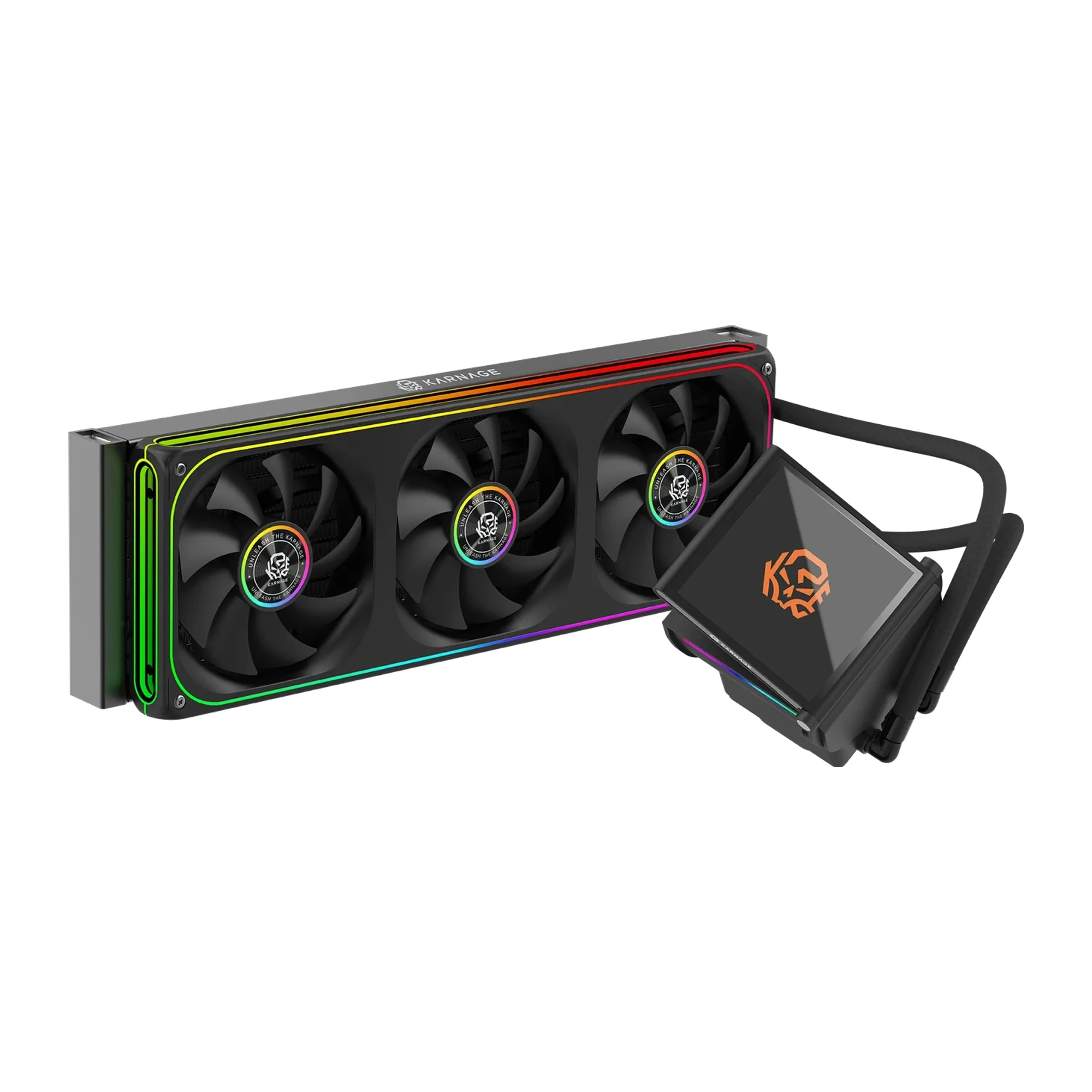
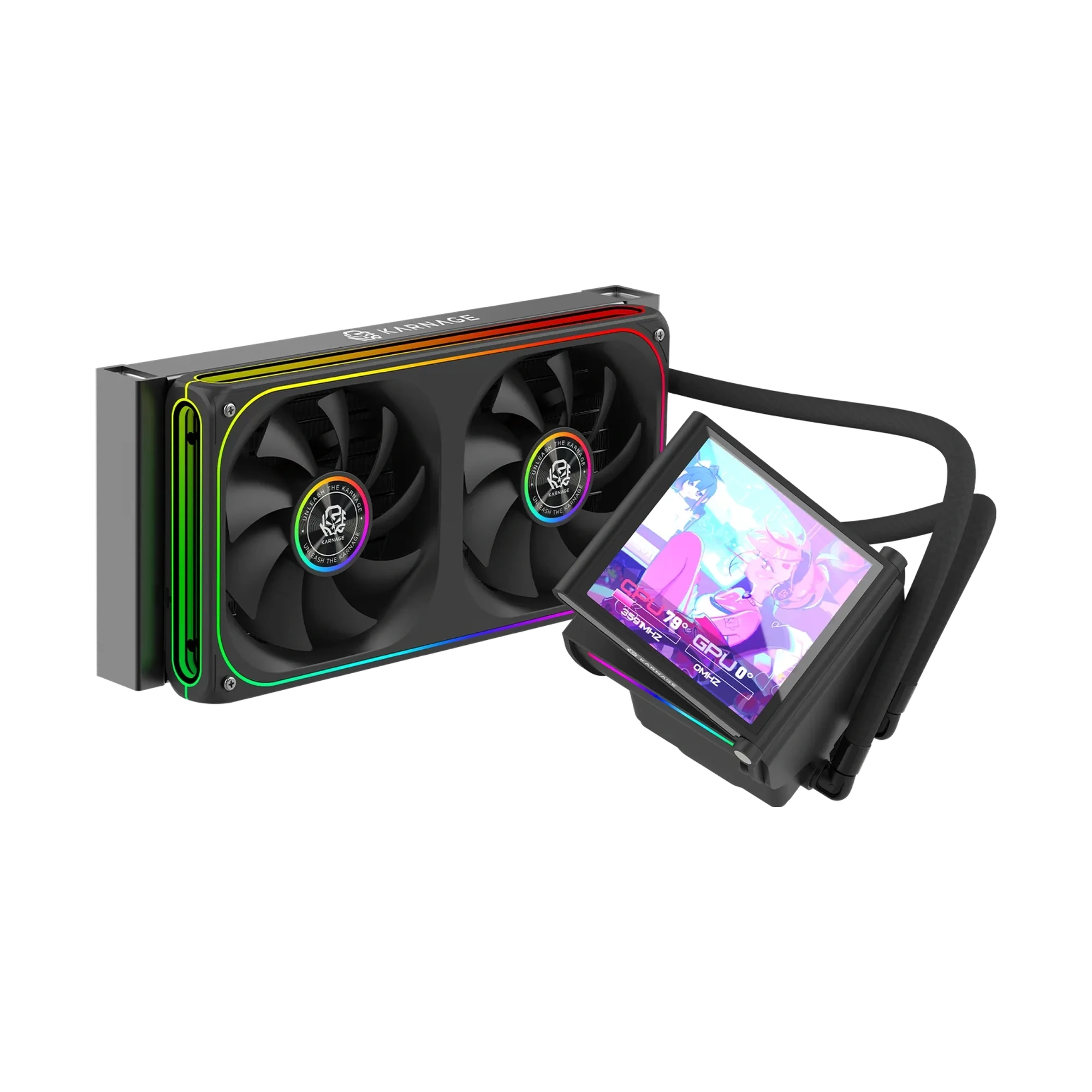
The KARNAGE Subzero range is designed for users who want a performance-focused cooling solution with a distinctive appearance. Selected models feature RGB lighting and a prominent 4-inch display, making them an attractive option for display-oriented gaming builds.
If you are searching for liquid coolers for PC that combine thermal management with a premium visual experience, explore the available Subzero configurations and check their specifications for compatibility with your system.
KARNAGE Icecube Liquid Coolers
The KARNAGE Icecube range features a design focused on combining liquid cooling with an integrated display. Selected models include a 4-inch IPS screen, providing an additional visual element for gaming setups and custom PC builds.
For enthusiasts comparing a CPU liquid cooler with display features, Icecube is worth exploring. Review the available radiator sizes, mounting support, and included features to determine which configuration suits your requirements.
KARNAGE Frostbite Liquid Coolers
The KARNAGE Frostbite range offers an ARGB-focused design for users who want their cooling hardware to complement the lighting of their gaming setup.
If your priority is a visually coordinated build, explore the available Frostbite models and their supported lighting features. As with any processor cooler liquid solution, confirm the radiator dimensions, socket compatibility, and other specifications before purchasing.
Liquid Cooling vs Air Cooling
Both air and liquid cooling can be effective when matched to the right processor and workload. The better choice depends on your budget, cabinet layout, performance requirements, and preferences.
| Feature |
Liquid Cooling |
Air Cooling |
| Cooling method |
Coolant transfers heat to a radiator |
A heatsink and fans dissipate heat |
| Design |
Often offers a clean, modern appearance |
Ranges from compact to large tower designs |
| Installation |
Requires radiator and tubing placement |
Generally simpler to install |
| Maintenance |
Requires inspection and care according to manufacturer guidance |
Usually straightforward to maintain |
| Noise |
Depends on pump, fans, and workload |
Depends on fan speed and heatsink design |
| Ideal use |
Builds prioritising cooling capacity and aesthetics |
Builds prioritising simplicity and value |
A CPU liquid cooler can be an excellent choice for a high-performance gaming build, but it is not automatically better than every air cooler. Compare independent performance results, compatibility, and pricing before deciding.
Likewise, if low noise is your primary goal, evaluate the quietest liquid CPU cooler options against quality air coolers rather than assuming that liquid cooling always operates more quietly.
Tips for Getting the Most from Your Liquid Cooler
Choosing suitable liquid coolers for PC is only one part of building a well-cooled system. Proper installation and airflow are equally important.
- Plan radiator placement: Follow your cabinet and cooler manufacturers' installation recommendations to select a suitable mounting position.
- Maintain airflow: Ensure that the cabinet has sufficient intake and exhaust airflow to remove heat efficiently.
- Manage fan speeds: Configure fan curves to balance temperatures and noise during everyday use and demanding gaming sessions.
- Keep dust under control: Clean radiator fins, filters, and cabinet fans periodically according to the manufacturer's guidance.
- Monitor processor temperatures: Use reliable monitoring software to understand how your system behaves during idle periods and heavy workloads.
- Check compatibility before installation: Confirm socket support, radiator clearance, memory clearance where applicable, and the required connections.
A correctly installed processor cooler liquid system can contribute to reliable operation when combined with good airflow and appropriate processor settings. These practical steps also help you get the most from your investment in a CPU liquid cooler.
Upgrade Your PC Cooling with KARNAGE
Your cooling system plays an important role in managing processor temperatures and maintaining a dependable gaming experience. Choosing suitable liquid coolers for PC allows you to balance thermal performance, system compatibility, acoustics, and design.
Explore the KARNAGE Subzero, Icecube, and Frostbite ranges to compare available configurations and features. Whether you are building a new gaming PC or upgrading an existing setup, choose a CPU liquid cooler that matches your processor, cabinet, and performance goals.
Find your ideal cooling solution with KARNAGE and build a PC that is ready for your next gaming session.
Frequently Asked Questions
1. What are liquid coolers for PC?
Liquid coolers for PC are cooling systems that use circulating coolant to transfer heat away from the processor. The heat moves to a radiator, where fans dissipate it. These systems are popular for gaming PCs, workstations, and enthusiast builds that need effective thermal management.
2. Is a CPU liquid cooler better than an air cooler?
A CPU liquid cooler can offer strong cooling performance, especially in suitable high-performance configurations. However, the results depend on the specific cooler, processor, workload, and airflow. Air coolers can also provide excellent performance and may offer simpler installation and maintenance.
3. How do I choose the best CPU liquid cooler?
To choose the best CPU liquid cooler, check processor socket compatibility, radiator size, cabinet clearance, cooling requirements, noise levels, warranty coverage, and available features. Compare these factors with your budget and intended use instead of relying on one specification alone.
4. Which is the quietest liquid CPU cooler?
The quietest liquid CPU cooler depends on the fan and pump design, operating speeds, radiator configuration, and processor workload. Compare published noise specifications and independent reviews, and consider adjustable fan curves to achieve a balance between cooling and quiet operation.
5. What does a processor cooler liquid system do?
A processor cooler liquid system transfers heat from the processor through a cold plate and circulating coolant to a radiator. Fans then dissipate the heat into the surrounding air, helping manage processor temperatures during demanding applications.
6. Are liquid coolers for PC suitable for gaming?
Yes. Liquid coolers for PC can be suitable for gaming systems, particularly those using processors that generate considerable heat during extended gaming sessions. Select a model that meets your processor's cooling requirements and fits your cabinet.
7. Is a CPU liquid cooler difficult to install?
Installation requires more planning than many basic air coolers because you must mount the CPU block, position the radiator, secure the fans, and connect the necessary cables. Following the manufacturer's instructions and checking cabinet clearance beforehand makes installation easier.
8. Do liquid coolers require regular maintenance?
Most all-in-one liquid coolers are designed as closed-loop systems and do not require routine coolant refilling by the user. However, radiator dust should be cleaned periodically, and temperatures, pump operation, and any unusual noises should be monitored according to the manufacturer's guidance.
9. Can a liquid cooler improve gaming performance?
A suitable CPU liquid cooler can help prevent excessive processor temperatures and support sustained performance. However, it does not automatically increase gaming frame rates. Performance also depends on the processor, graphics card, memory, software, and game settings.
10. Which radiator size should I choose for my PC?
The right size depends on processor power consumption, cooling requirements, cabinet compatibility, and your preferred noise levels. A 240 mm model may suit many gaming builds, while a 360 mm model may provide additional cooling capacity in compatible systems. Always check the specifications before choosing your processor cooler liquid solution.
11. Are RGB liquid coolers worth considering?
RGB liquid coolers are worth considering if lighting is an important part of your PC build. They can complement other illuminated components and create a coordinated appearance. When comparing the best CPU liquid cooler options, evaluate cooling performance and compatibility before treating lighting as the deciding factor.
12. Where can I find the right liquid cooler for my gaming PC?
Explore the KARNAGE liquid cooling collection to compare available models, designs, radiator sizes, and features. Whether you prioritise cooling performance, a display-equipped design, or ARGB lighting, review the product specifications to find the CPU liquid cooler that best suits your build.
.webp)