ARGB case fans built for real airflow. 120mm, 240mm and 360mm, in white and black.
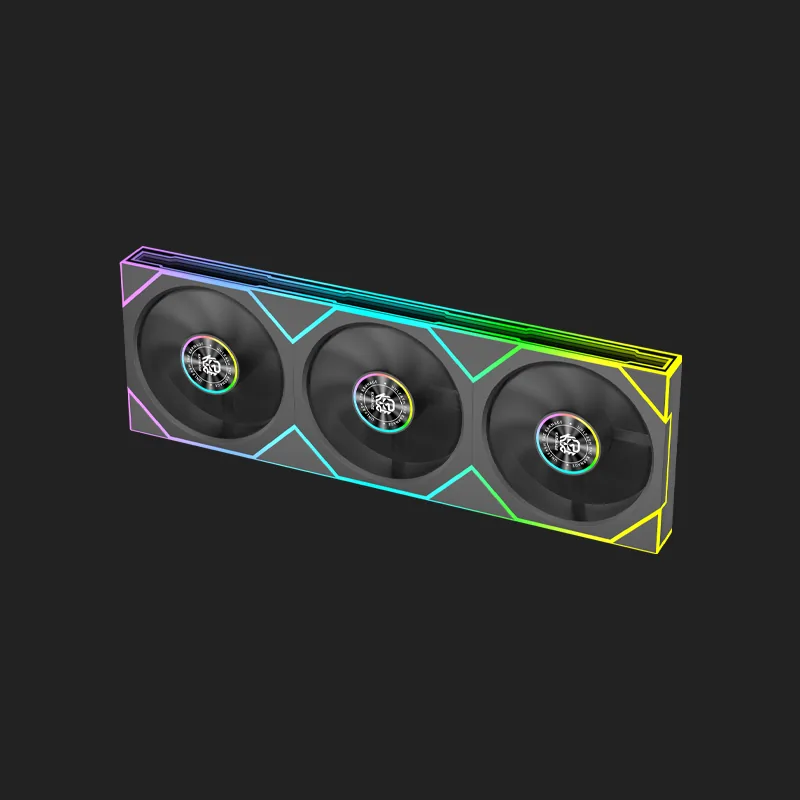
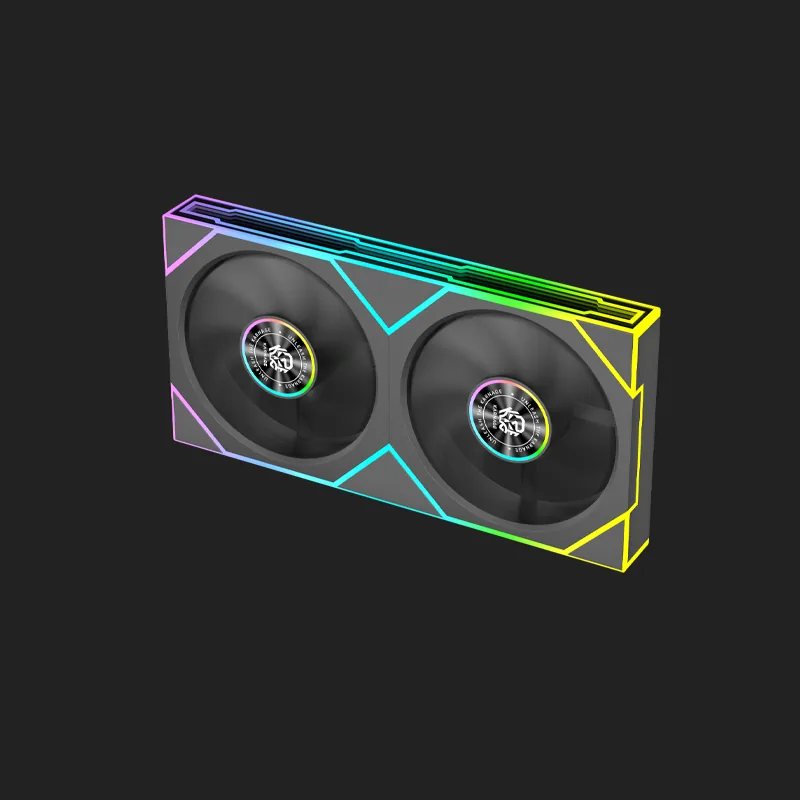
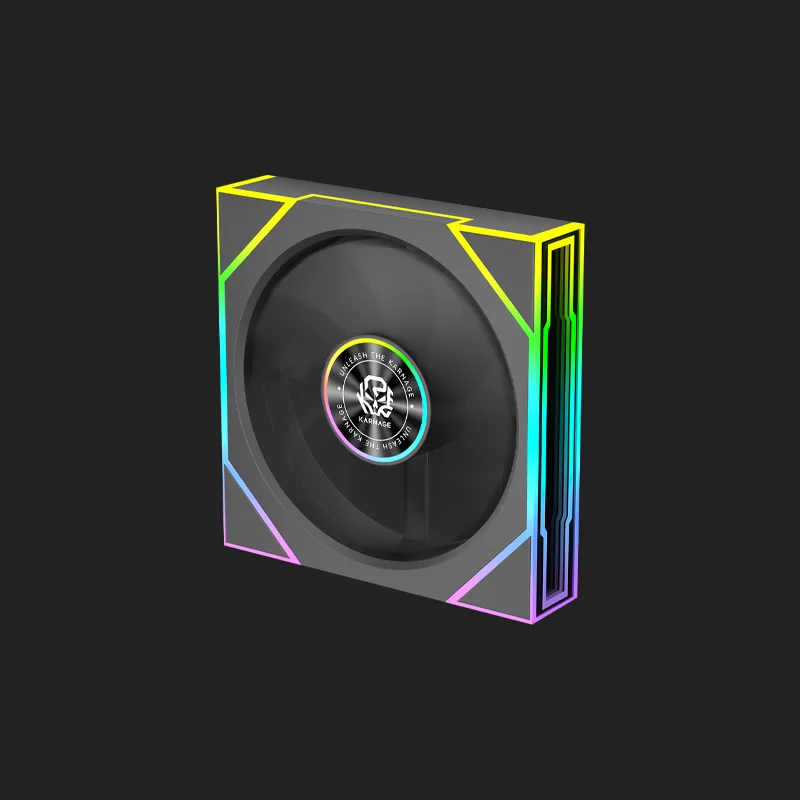
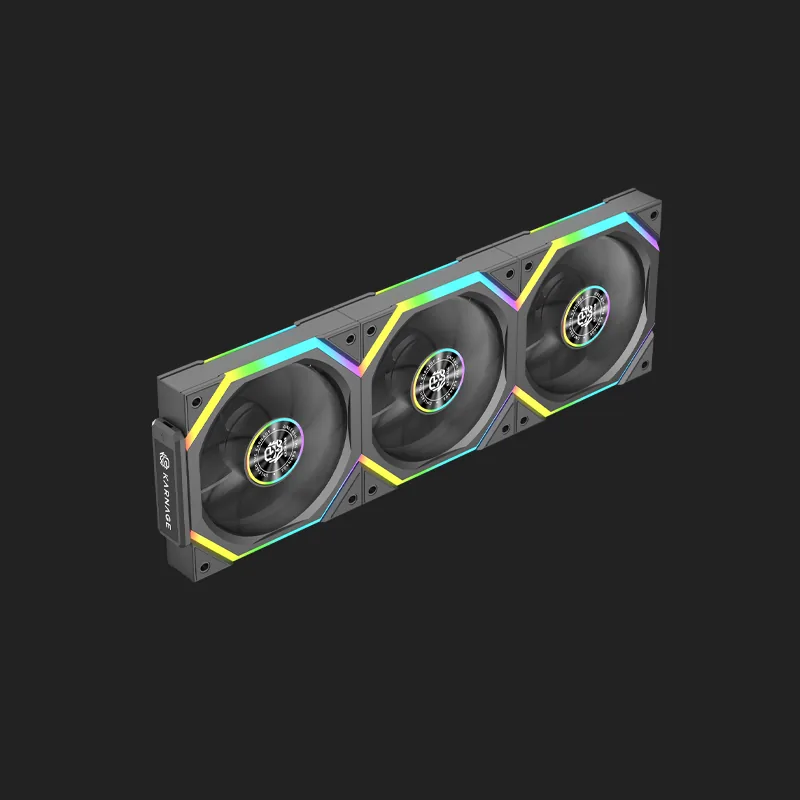
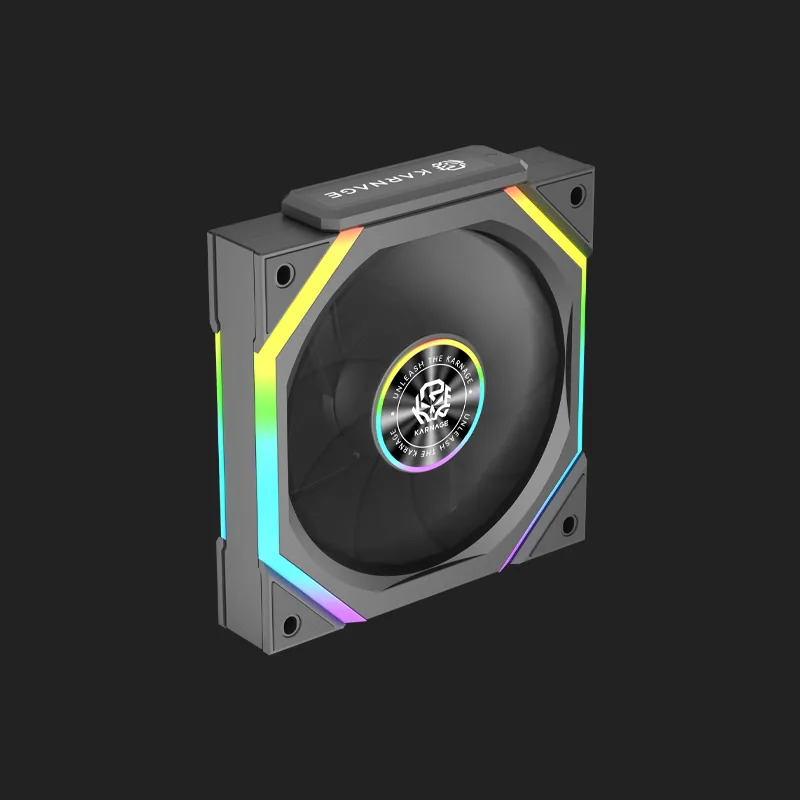
Case fans are an essential part of a well-cooled gaming PC. They help move air through the computer cabinet, bringing cool air into the system and pushing warm air away from components such as the processor and graphics card. Proper airflow can help maintain stable temperatures and support consistent performance during gaming and other demanding workloads.
Whether you are building a new PC, upgrading your cooling setup, or replacing existing fans, choosing the right case fans can make a significant difference to airflow and overall system management. Modern fans are available in different sizes, designs, speeds, bearing types, and lighting configurations to suit different PC builds. For gamers who want both cooling and aesthetics, RGB case fans can add customizable lighting while helping maintain airflow inside the cabinet. If you are building a visually striking gaming setup, combining gaming PC fans with other RGB components can create a coordinated look.
A gaming PC generates heat whenever the processor, graphics card, and other components are under load. Without sufficient airflow, warm air can accumulate inside the cabinet and cause temperatures to rise.
Quality case fans help create a continuous airflow path. Intake fans bring cooler air into the cabinet, while exhaust fans remove warm air. This creates better air circulation and allows your CPU and GPU cooling systems to work more effectively. A well-planned fan configuration is especially important for gaming PCs because demanding games can keep components under load for extended periods.
The primary purpose of pc case fans is to move air through your computer chassis. Good airflow can help prevent hot air from becoming trapped around heat-generating components.
When installing pc case fans, consider both the number of fans and their placement. Adding more fans does not automatically guarantee better cooling. Proper airflow direction and balanced intake and exhaust are equally important.
Your CPU and GPU have their own cooling systems, but those coolers still depend on the surrounding air inside the cabinet. Effective gaming PC fans can help move warm air away from these components.
Maintaining a suitable internal temperature can help your system operate more consistently during long gaming sessions.
The right pc case fans depend on your cabinet size, available mounting positions, hardware configuration, and cooling requirements.
Before purchasing fans, check the supported fan sizes in your cabinet. Common sizes include 120mm and 140mm, although compatibility varies between cabinets. You should also check whether your motherboard or fan controller provides the required connectors for the fans you plan to install.
If cooling is your main priority, choose pc case fans designed to provide effective airflow through the cabinet. Fan placement should create a clear path for cool air to enter and warm air to leave. A common setup uses front fans as intake and rear or top fans as exhaust, although the ideal configuration depends on your specific cabinet.
High-performance PCs with powerful processors and graphics cards can benefit from additional airflow. Multiple gaming PC fans can help move air through larger cabinets and support demanding cooling configurations. However, fan quality and placement are generally more important than simply installing the maximum possible number of fans.
A computer fan RGB setup combines cooling with customizable lighting. RGB fans are popular among gamers who want their PC interior to complement the rest of their gaming peripherals. A computer fan RGB configuration can be coordinated with RGB keyboards, mice, gaming cabinets, RAM, and other components to create a unified visual theme.
While lighting does not directly improve cooling performance, RGB can significantly enhance the appearance of a gaming PC, especially when used with a tempered-glass side panel.
Depending on the model, a computer fan RGB may support different lighting effects, colors, brightness levels, or synchronization options. Before buying RGB fans, check compatibility with your motherboard or lighting controller. Different RGB standards and connectors may not always be interchangeable.
Gaming PC fans are designed to provide airflow for systems that may experience higher workloads than standard office computers. Gaming PCs can generate considerable heat, particularly when running demanding games at high settings.
Installing suitable gaming PC fans can improve the movement of air through the chassis and help your cooling system manage heat more effectively. When selecting gaming PC fans, consider airflow, static pressure, noise levels, fan speed, size, and bearing technology.
Not all fans are designed for exactly the same purpose. Airflow-oriented gaming PC fans are useful for moving air through open areas of a cabinet. Static-pressure-focused fans can be more suitable for situations where air needs to pass through resistance, such as radiators or restrictive panels.
Understanding where you intend to install the fan can help you choose the appropriate type.
RGB case fans are a popular choice for gamers who want their PC to look as good as it performs. They provide airflow while adding customizable lighting to the inside of the cabinet. With a set of RGB case fans, you can create lighting effects that complement your gaming setup. Some systems allow users to synchronize lighting across multiple components.
When choosing RGB case fans, check fan size, connector type, lighting compatibility, airflow specifications, and whether a controller is included or required.
Installing several RGB case fans can introduce additional cables inside your PC. Good cable management is therefore important. Route fan and RGB cables through the appropriate openings in your cabinet and keep them away from fans and other moving components. A clean installation can improve the appearance of the build and make future maintenance easier.
The number of case fans required depends on your cabinet, hardware, cooling solution, and airflow design.
A basic gaming PC may work well with a few strategically positioned fans, while a high-performance system may require additional airflow. Rather than focusing only on quantity, consider the direction of airflow. Intake fans should bring cool air into the system, while exhaust fans should remove warm air. A balanced configuration can provide effective airflow without unnecessary noise or power consumption.
Correct fan orientation is essential when installing pc case fans.
A typical configuration may include:
The exact configuration depends on your cabinet and cooling hardware. Always check the airflow direction indicated on the fan before installation.
Poorly positioned fans can work against each other and reduce the effectiveness of your airflow system.
Before buying case fans, consider these factors:
Your CPU cooler and GPU cooler are responsible for cooling their respective components, but pc case fans help manage the air surrounding them.
Effective airflow can bring cooler air toward the CPU and GPU while moving heated air away from the components. For gaming PCs with high-performance hardware, combining a capable CPU cooler with appropriately positioned gaming PC fans can provide a more effective overall cooling strategy.
Before installing a computer fan RGB, check whether its lighting connector is compatible with your motherboard or RGB controller. RGB and addressable RGB systems can use different connectors and voltage standards. Connecting incompatible components can cause lighting issues or potentially damage hardware. If you are installing several RGB fans, a compatible controller or hub can simplify cable management and lighting control.
Cooling performance and noise should both be considered when choosing case fans. Running several fans at maximum speed may provide high airflow but can also increase noise.
PWM control allows compatible fans to adjust their speed according to system temperature. This can help maintain a balance between cooling performance and acoustic comfort. For a quiet gaming setup, look for fans with suitable noise ratings and use motherboard fan-control settings where available.
RGB case fans can help complete the visual design of a gaming PC. When combined with RGB memory, peripherals, lighting strips, and a tempered-glass cabinet, they can create a coordinated setup. However, aesthetics should not replace cooling considerations. When choosing RGB case fans, make sure their airflow, size, and compatibility meet your PC's requirements before considering lighting effects.
Effective airflow is an important part of building a reliable gaming PC. The right case fans can help move air through your cabinet, support your CPU and GPU cooling systems, and maintain a cleaner airflow path.
Whether you need standard pc case fans for improved ventilation, gaming PC fans for a high-performance build, or RGB case fans to enhance your setup, choose products based on size, airflow, static pressure, noise, compatibility, and installation requirements. If aesthetics are important to you, a computer fan RGB setup can add customizable lighting while providing the airflow your system needs. Just make sure the lighting connectors and control system are compatible with your motherboard or RGB controller. Before purchasing, check your cabinet's supported fan sizes and available mounting locations. With the right combination of intake and exhaust fans, you can create an efficient airflow configuration suited to your gaming PC. Explore the Karnage case fans collection and choose cooling solutions designed to complement your PC build, gaming performance, and setup aesthetics.
Case fans are fans installed inside a computer cabinet to move air through the system. They help bring cool air into the cabinet and remove warm air generated by components.
The number of case fans depends on your cabinet, components, cooling system, and airflow requirements. A few strategically positioned fans can often provide effective airflow, while high-performance systems may require more.
PC case fans are used to circulate air inside a computer cabinet. They help move cool air toward components and exhaust warm air from the system.
Yes. PC case fans can help maintain airflow around heat-generating components. This is particularly important for gaming PCs that operate under heavy loads for extended periods.
A computer fan RGB is a PC cooling fan that includes customizable RGB lighting. It combines airflow with visual customization for gaming PC builds.
RGB case fans can provide cooling just like non-RGB fans, but RGB lighting itself does not improve airflow. Cooling performance depends on the fan's design, airflow, speed, and installation.
Gaming PC fans are often designed with features suited to gaming builds, such as higher airflow, customizable RGB lighting, PWM control, and gaming-focused aesthetics. However, the right fan depends on your cooling requirements.
The best gaming PC fans depend on your cabinet, cooling requirements, fan size, airflow, noise preference, and whether you want RGB lighting.
RGB case fans can be worthwhile if you want both airflow and customizable lighting. They are particularly useful for gaming PCs with tempered-glass side panels.
When installing pc case fans, first check the fan size and mounting compatibility. Determine the airflow direction, connect the fan to the appropriate motherboard or controller header, and manage the cables safely away from moving components.
A good case fans configuration normally combines intake and exhaust fans. Front or bottom fans commonly bring cool air into the system, while rear or top fans exhaust warm air.
Yes, depending on the fan and controller. Some RGB case fans can be connected to a compatible RGB hub or controller. Always check connector and voltage compatibility before installation.
PC case fans can help improve the airflow surrounding the CPU cooler, which may contribute to lower or more stable CPU temperatures. Actual results depend on the CPU cooler, cabinet, ambient temperature, and overall airflow configuration.
.webp)